
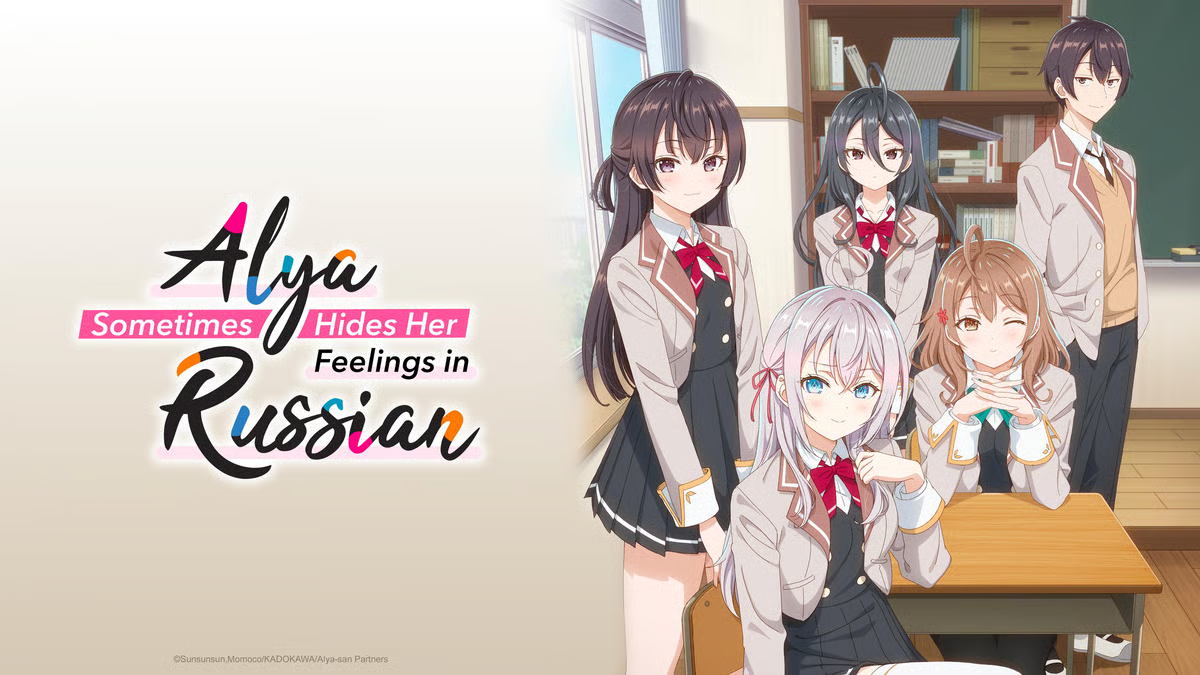

Alisa Mikhailovna Kujou, known as Alya, is a stunning and seemingly aloof high school student with Russian heritage who often keeps others at a distance. She sits next to Masachika Kuze, a laid-back and unmotivated classmate who spends his time watching anime and playing mobile games. Despite her cold demeanor, Alya occasionally lets slip flirtatious remarks in Russian — believing Masachika doesn’t understand the language.
Unbeknownst to her, Masachika is fluent in Russian and secretly understands every word. He pretends not to, enjoying the rare glimpses into Alya’s true feelings. As their daily interactions unfold, filled with teasing, misunderstandings, and quiet affection, the two slowly grow closer — navigating the awkward, sweet tension of a romance that neither fully admits.
It’s a charming blend of comedy, school life, and romantic tension, with language playing a clever role in their evolving relationship
Create an account or sign in to leave a review
There are no reviews to display.