

Jump to content
View in the app

A better way to browse. Learn more.

Anime Social

A full-screen app on your home screen with push notifications, badges and more.

To install this app on iOS and iPadOS
  1. Tap the Share icon in Safari
  2. Scroll the menu and tap Add to Home Screen.
  3. Tap Add in the top-right corner.
To install this app on Android
  1. Tap the 3-dot menu (⋮) in the top-right corner of the browser.
  2. Tap Add to Home screen or Install app.
  3. Confirm by tapping Install.

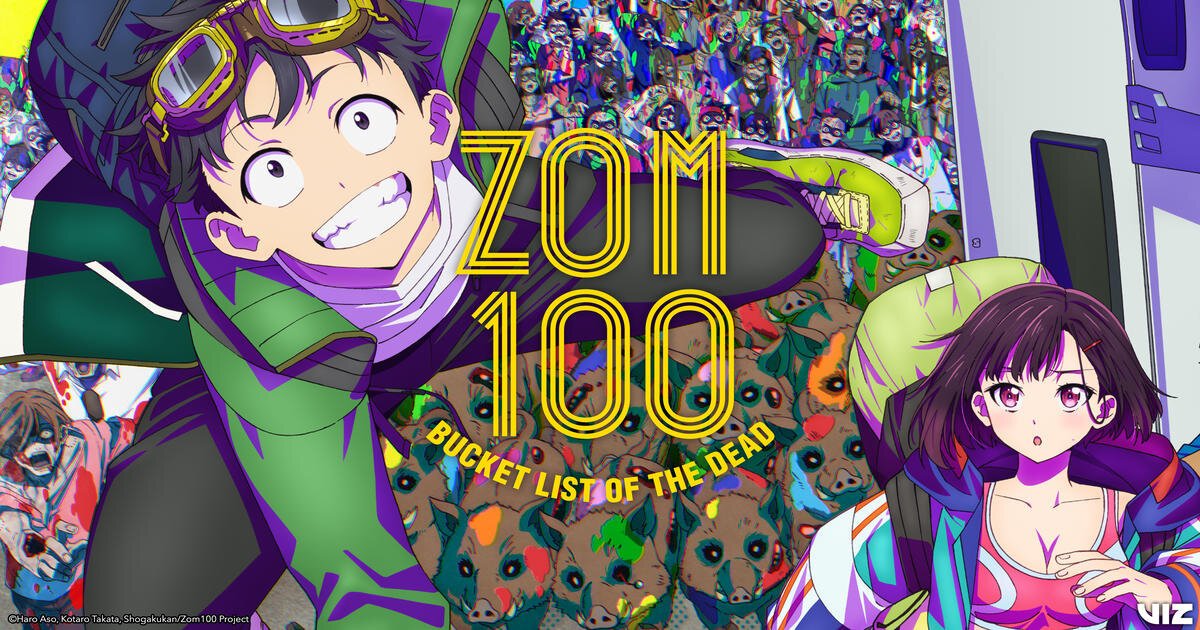
Zom 100: Bucket List of the Dead follows Akira Tendo, a 24-year-old office worker trapped in a soul-crushing job and a joyless routine. When a sudden zombie apocalypse hits Tokyo, Akira doesn’t panic — he celebrates. Freed from his toxic workplace, he sees the chaos as a chance to finally live life on his own terms. He creates a bucket list of 100 things he wants to do before becoming a zombie, from simple pleasures to wild adventures, and sets out to complete them with newfound purpose.

The series blends comedy, horror, and heartfelt moments, turning the undead apocalypse into a backdrop for personal liberation and self-discovery.

User Feedback

Create an account or sign in to leave a review

There are no reviews to display.

Configure browser push notifications

Chrome (Android)
  1. Tap the lock icon next to the address bar.
  2. Tap Permissions → Notifications.
  3. Adjust your preference.
Chrome (Desktop)
  1. Click the padlock icon in the address bar.
  2. Select Site settings.
  3. Find Notifications and adjust your preference.